Micro Systems
The Lab
Casa Licea runs something like a small private cloud at home. Two Proxmox nodes (Proxmox = software that runs many virtual machines and containers on one physical box), a tie-breaker vote so they never disagree about who is in charge, and a pile of services the family actually uses.
For the family
What runs here
Not a server museum. These are the jobs the lab does for people in the house, grouped in plain language.
Movies and TV
Notes, files, and passwords
Home and media helpers
Documents and signatures
Boards and databases
AI lab tooling
Scale
Rough size, November 2026
- Guests (VMs and containers)
- 70-75
- Guests (VMs and containers)
- Docker containers
- 300+
- Docker containers
- GitOps stacks
- 108
- GitOps stacks
- Nodes plus tie-breaker
- 2+1
- Nodes plus tie-breaker
The third vote lives on an Unraid server as a QDevice, so the two nodes never hit split brain. Unraid also hosts a browser-based VS Code workspace to offload day-to-day work.
GitOps
How changes ship
GitOps means the git repo is the source of truth, and the servers follow what gets merged. We do not SSH in and “just fix it” as the normal path.
01
Commit
A change lands in the git repo. That repo is the source of truth.
02
Review
Automated rules and people look it over. Update bots open merge requests per stack.
03
Merge
Once it is approved, it becomes the new agreed state.
04
Dockhand deploys
Dockhand reads what was merged and rolls the Docker stacks to match.
05
Monitors confirm
Uptime and incident tools watch the result. If something breaks, we hear about it.
Under the hood: a self-hosted GitLab repo, Renovate opening update merge requests per stack, Terraform and Ansible for infrastructure as code, NetBox as the inventory of record, and secrets moving into Bitwarden Secrets Manager in staged waves with a 48-hour observation gate before each promotion.
Watching it
Monitoring with a job, not a logo wall
Each tool answers a different question. Power and ping checks also watch each node from its own network address, not only from Proxmox.
OneUptime
Uptime Kuma
Pulse
OpenObserve
Netdata
Gotify + status page
Backups
3-2-1, then prove it
Three copies, two kinds of storage, one off-site. App data and whole machines get different treatment, because they fail differently.
App-data backups
Dockhand and Restic back up only each Docker app's data, not the whole container. The container is a cookie cutter. The data is what makes it yours. Proven by restoring apps like Pulse, Uptime Kuma, and OneUptime.
Whole-machine backups
Proxmox Backup Server snapshots entire VMs and containers, synced to network storage (UNAS) and off-site to Backblaze B2.
Restore drill
Restore into a disposable test VM
Prove it
Destroy the test
Case study
The night an SSD died
A real failure, not a drill. This is what the lab looked like when a drive quit overnight, and what we changed so the next one hurts less.
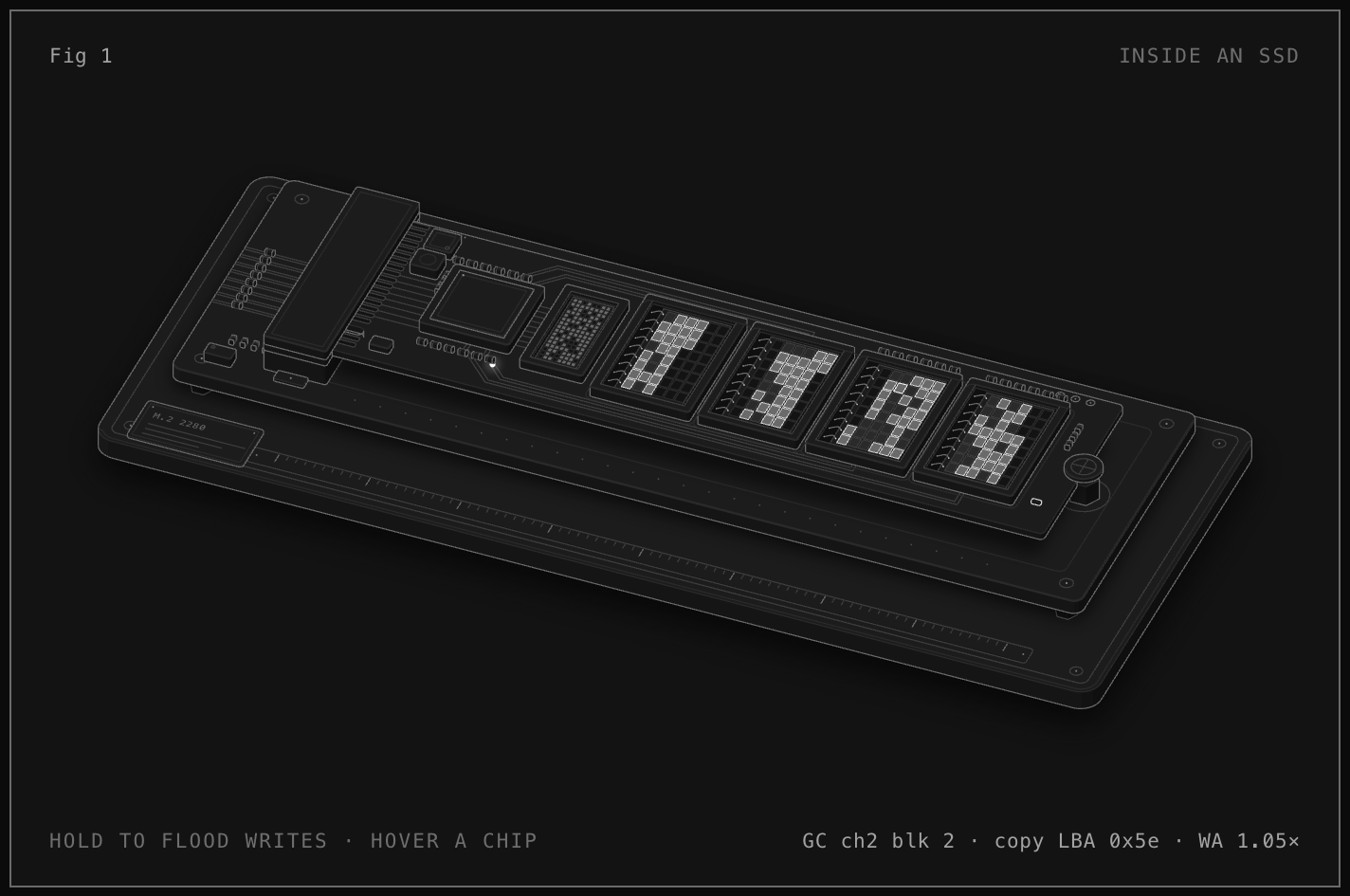
Visual from Anatomy Forge: Inside an SSD.
What went down
Overnight, an SSD failed and one of the two Proxmox nodes went offline. Family media and file access went with it.
How it was detected and recovered
We noticed late. Lucky: spare SSDs were on hand, and the 3-2-1 backup platform had just been deployed. Recovery took about 2-3 hours.
What kept running
High availability (HA: a service restarts on the other node automatically) kept the reverse proxy (Nginx Proxy Manager) and the notes app alive, because they lived on shared network storage. Everything else was stuck on the dead node.
What it revealed
The node used ext4, a filesystem with no built-in replication. Apps without HA and without shared storage had nowhere to go. Biggest lesson: it was down for a long time before I knew.
What changed
Moved to ZFS (replication between nodes plus self-checking checksums that catch bit rot), a USB stick with the Proxmox installer kept ready, log export off the node so there is visibility even when it is dead, power/uptime checks from the node's own address (not only from Proxmox), and a clear list of which services actually need HA.
Go deeper
Notes for homelab builders
Optional detail. Skip this if you just wanted the family picture.
Cluster, inventory, and secrets
Two-node Proxmox VE cluster with a QDevice tie-breaker on Unraid. Guests are a mix of VMs and containers; Docker stacks sit on top and are managed through GitOps.
NetBox is the inventory of record. Secrets are moving into Bitwarden Secrets Manager in waves. Each promotion waits on a 48-hour green observation gate.
After the SSD failure, ZFS gave us node-to-node replication and checksums. HA only helps services that were designed for it and that can see shared storage. Everything else still depends on backups and a practiced restore.
See how the network protects this
Segmentation, failover, and how public things get exposed without opening the house.