Dark Labs 9 · David Licea
I build systems that keepfamily movie night, our photos safe, the house network sane, tools friends can borrow, the lights on at 3 a.m..
This is my workshop. Half of it is the homelab I run at Casa Licea. The other half is the network and security work that protects it, and the lessons I share so you can protect your own stuff.
- nodes
- 2 Proxmox + 1 tie-breaker
- guests
- ~70 VMs and containers
- stacks
- 108, deployed from git
- zones
- 6 network segments
- uplinks
- 2, automatic failover
- backups
- 3-2-1, restores tested
Half one · Micro Systems
Building and keeping things running
A two-node homelab that runs our family's movies, notes, files, and the tools behind them. I handle the storage, the deployments, the backups, and the monitoring. Installing something is the fun part. Keeping it running when nobody is watching is the real job.
Inside the lab →
Half two · Network & OpSec
Protecting it, and teaching others to
Firewall, separate network zones, two internet connections that cover for each other, and backups that leave the house. I also help friends, family, and coworkers make sense of their own setups, starting from what they already have.
How the network works →
Selected work
Things we built and keep alive
Sites people can use today, and the infrastructure underneath them.
Anatomy Forge

Eastside Forge
Casa Licea
A lesson from the lab
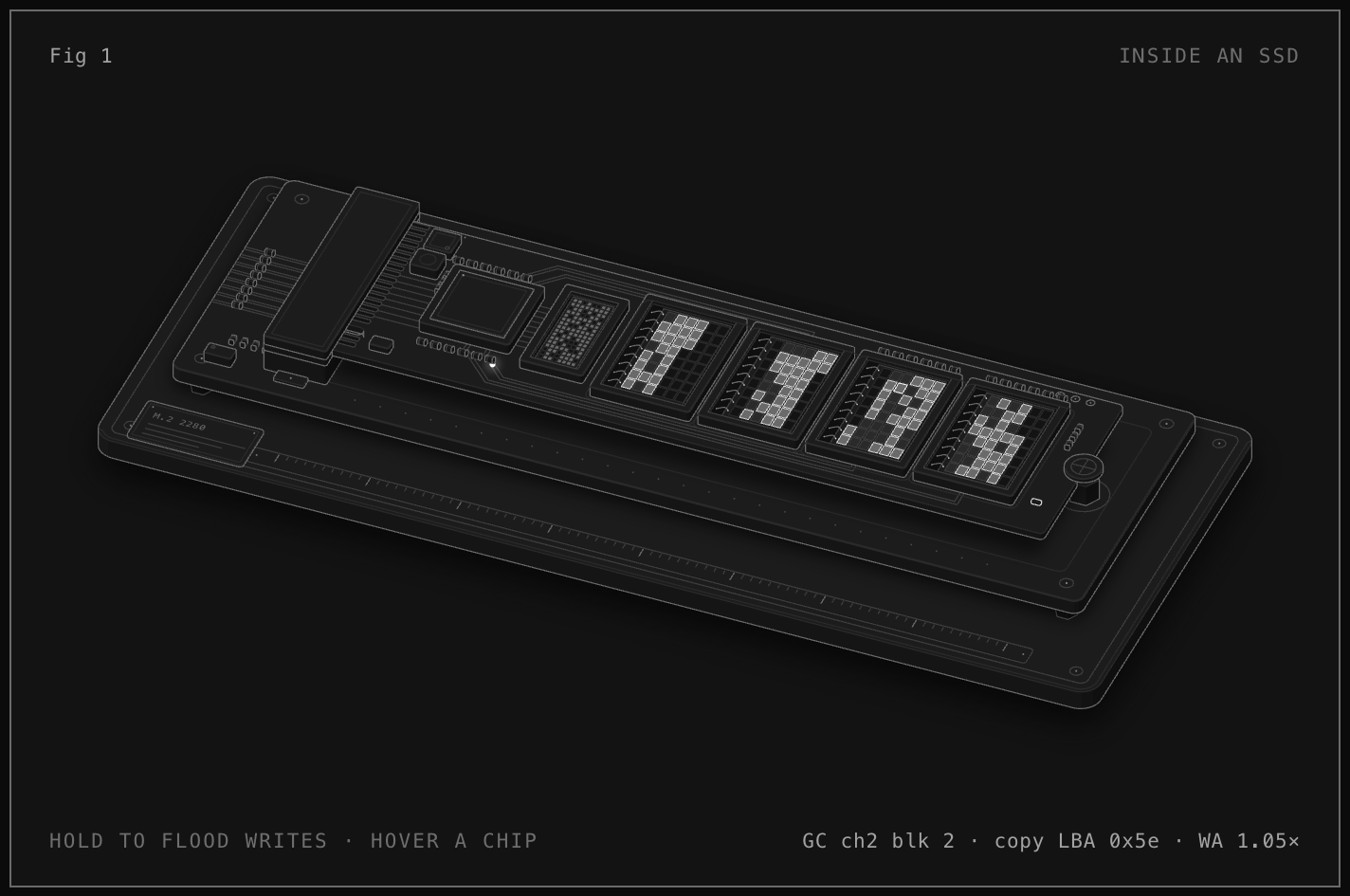
One SSD died overnight. It changed how I build.
One of my two servers went dark while everyone slept. Movies and files went with it. I had spare drives and fresh backups, so we were back in about two to three hours. The part that stuck with me: it had been down a long time before I even knew.
By the numbers
What one house can run
- Proxmox nodes plus a tie-breaker vote
- 2+1
- Proxmox nodes plus a tie-breaker vote
- Docker containers across the lab
- 300+
- Docker containers across the lab
- App stacks deployed from git
- 108
- App stacks deployed from git
- Separate network zones
- 6
- Separate network zones
Start here
You don't need a server rack to protect your files.
Know where your important files live. Keep a copy somewhere else. Practice getting one back before you need it. That's most of it. The guides walk you through the rest.